Text appearing on the ECG report
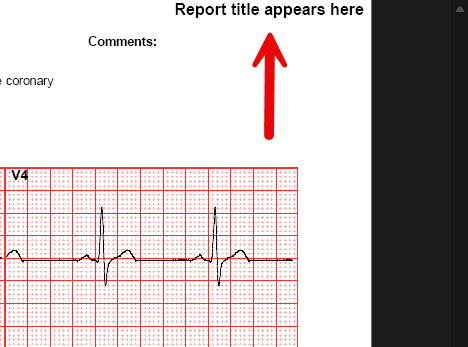
If you get text appearing in the top right-hand corner of the ECG report, this is known as the report title, and occasionally, text can get added here by mistake. This guide shows how to remove this.

This setting is something that each user would need to change, as their settings are linked to the user logged into Windows.
- Open CardioView
- Click on Print Settings
- The setting that needs looking at is the Report title in the bottom left-hand corner. You just need to remove any text written in this field.
- Click OK and close the CardioView window before attempting to take an ECG.
Join Remote Support
Join live Chat
You can chat to one of our technical support team Monday – Friday 8.00am – 5.30pm. |